The plan file
One plan of the Craft Planner is one file. You can keep it, give it to someone else, cost it again later, and follow it in the Craft Helper.
What the file holds
The file is JSON text with the ending .craftplan.json.
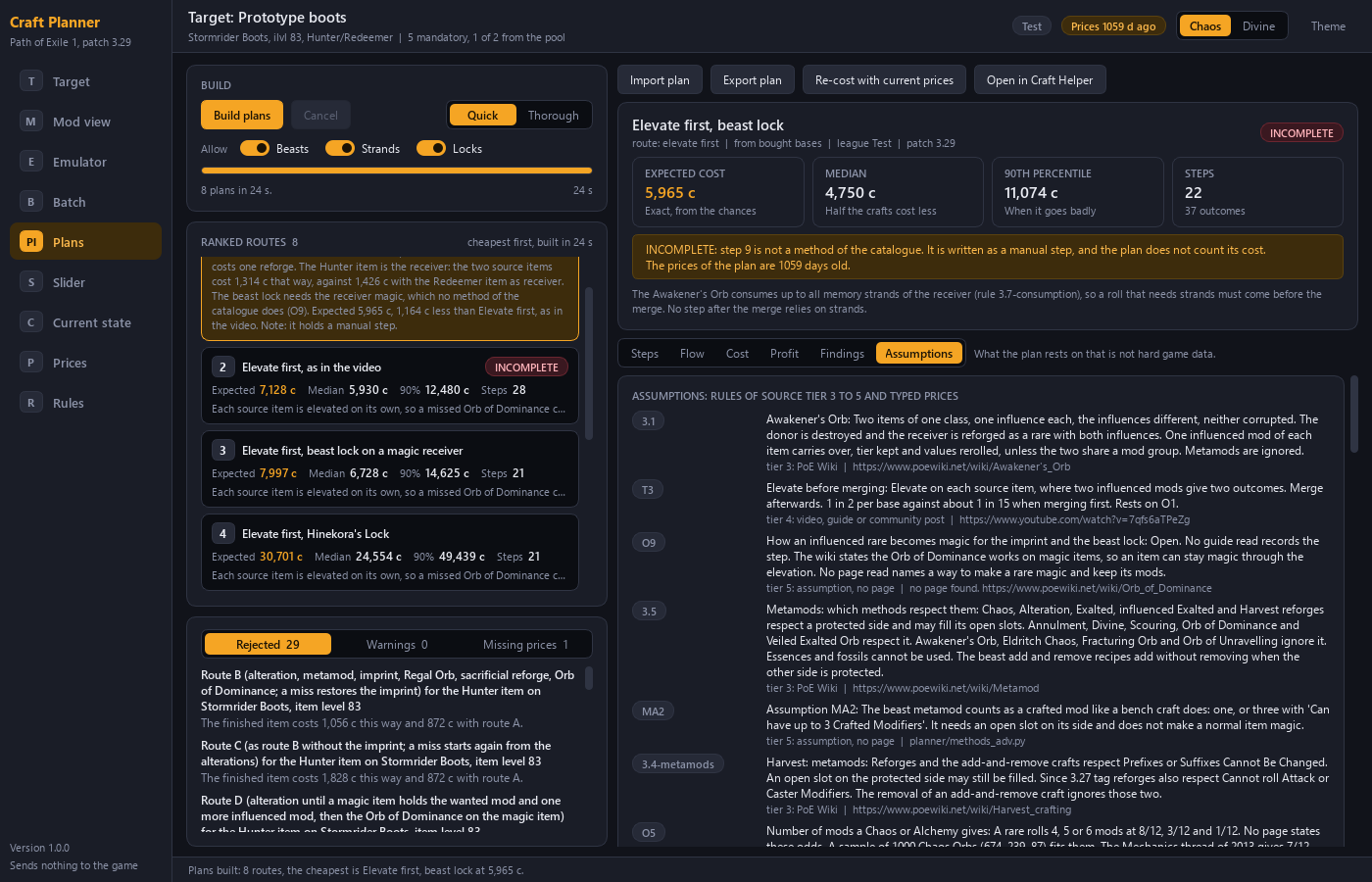
| Content | Note |
|---|---|
| The target | The item the plan aims for. See Describe the item you want |
| The steps | Each with its action and its stop condition |
| The outcomes | What can happen at each step, with the reasons for the next action |
| The prices | Each with its age |
| The keep list | Smaller results worth keeping. See the cost slider |
| The assumptions | What the plan rests on that is not hard game data |
Export and import
Export writes the chosen plan into one file. Import reads a plan file again.
The file carries a format version. A program refuses a file of an unknown version with a clear message.
Re-cost with the current prices
Prices move. You can import a plan file again and cost it with the current prices. The Planner then shows the old figures against the new ones. For the figures themselves see What a craft costs.
Follow the plan in the Craft Helper
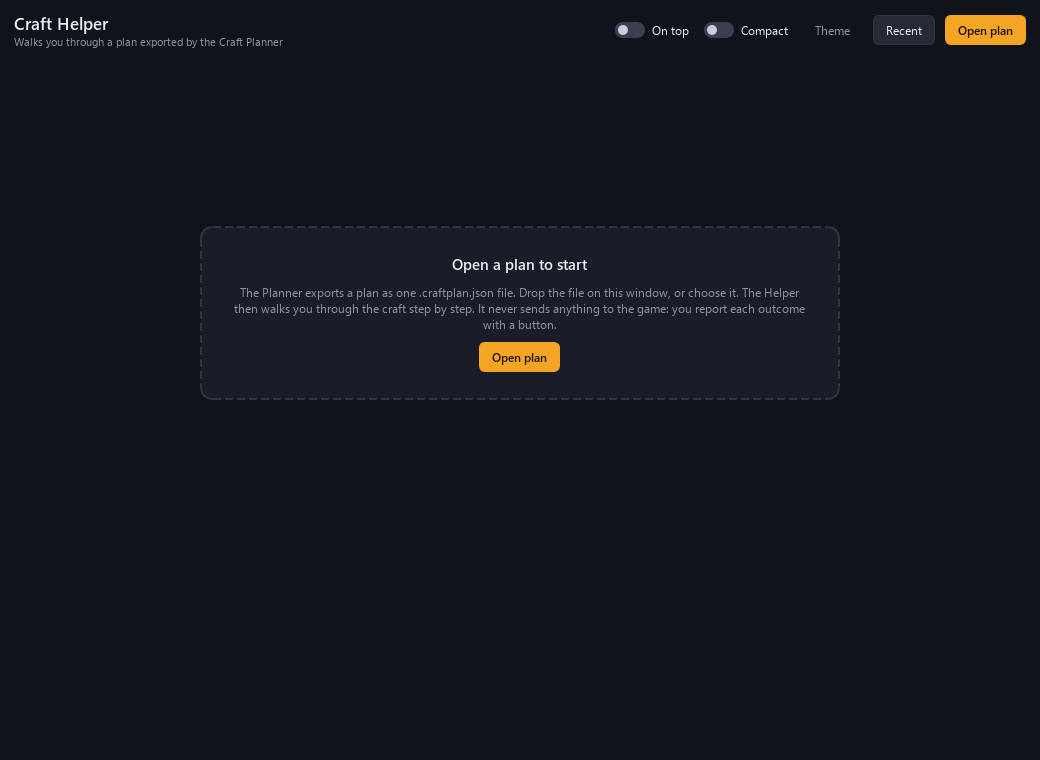
The file carries what the Helper shows: steps, outcomes, reasons, prices and the keep list. The Helper opens a plan file, or you drop the file on its window.
The Helper never writes to the plan file. Your progress goes into a second file beside the plan, so you can close the Helper and continue later.